 Kept
Dating apps without a subscription: how one-time pricing works
Yes, you can use a dating app without a subscription. Some apps are free with optional paid extras, and a few charge a single payment instead of a plan that renews. Before you pay anything, it helps to understand how each pricing model works, because it shapes how the app treats you and what you end up spending.
Subscription, one-time payment and freemium explained
There are three common ways dating apps charge, and many apps mix them. Knowing which one you are looking at makes the small print much easier to read.
- Subscription: you pay every week, month or few months, and it renews automatically until you cancel. Longer plans often look cheaper per month but take a larger sum up front.
- One-time payment: you pay once and the access you bought doesn't renew. There is nothing to remember to cancel.
- Freemium: the basics are free, and you pay for extras such as boosts, seeing more profiles or sending special likes. These can be one-off purchases or a subscription tier on top.
Why the pricing model matters
A subscription app earns money for every month you stay single and keep using it. That doesn't make subscription apps bad, and plenty of people meet partners on them, but it is worth noticing which features are designed to keep you scrolling and which help you leave.
A one-time price changes the incentive: the app is paid when you join, not for keeping you around. If you are looking for something serious, paying once can also take the pressure off. You are not watching the calendar or rushing conversations because a renewal date is coming.
Eight checks before you pay any dating app
Whatever app you are considering, read the payment screen slowly and look for answers to these questions. If you can't find them, ask the app's support team before you pay.
- Does it renew? Look for words like 'auto-renews', 'billed every' or 'until cancelled'.
- What exactly does it unlock? Matching, messaging, seeing who liked you, or only cosmetic extras?
- Are there extras on top? Some apps sell credits or one-off boosts in addition to the main plan.
- What happens when a free trial ends? Check whether it converts into a paid plan automatically and whether you get a reminder.
- How do you cancel? If you paid through Google Play or another phone store, you usually cancel there, not inside the dating app.
- What is the refund policy? Read it before paying rather than after.
- Which currency is the price in? Your bank may add a fee for a foreign currency.
- Does the price match your goal? A long plan makes little sense if you hope to meet someone soon.
How to cancel a subscription you already have
Deleting a dating app does not cancel a subscription. If you want to stop paying, cancel first, then delete the app or your account. Cancelling usually stops the next renewal rather than ending access straight away, so you can often keep using what you have already paid for until the current period runs out. If you were charged after cancelling, contact the app's support team with your confirmation, then your bank if that doesn't resolve it.
- On Android, open the Google Play Store, tap your profile picture, then Payments and subscriptions, then Subscriptions, and choose the plan to cancel.
- If you paid on the app's website, cancel in your account or billing settings there.
- Check your bank or card statement the following month to make sure no new charge has appeared.
- Keep the cancellation confirmation email until you are sure.
How Kept's one-time payment works
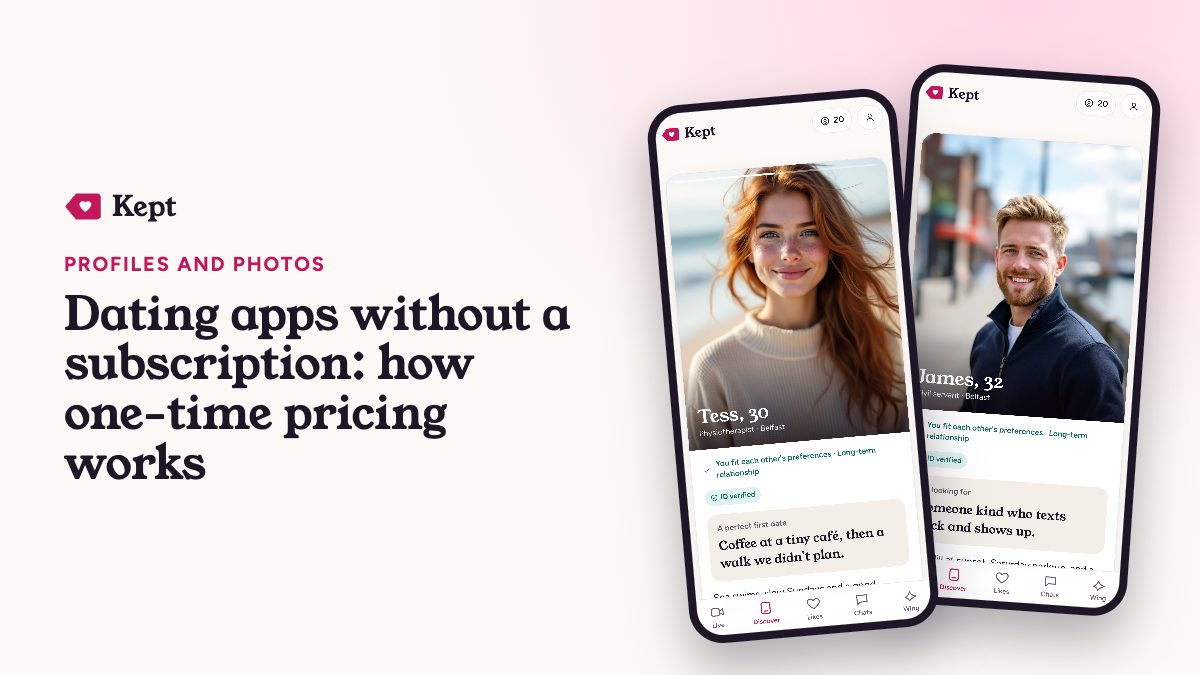
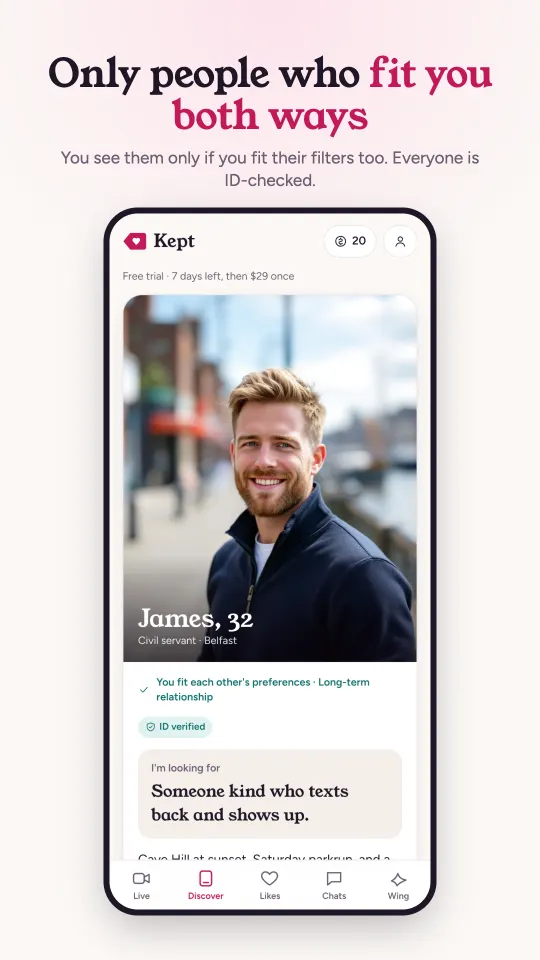
Kept, our app, is one of the options that doesn't use a subscription. You start with a 7-day free trial, and after that a single payment of $29 gives you access for life. It doesn't renew, so there is no plan to cancel later.
There are optional credits in packs of $4.99, $9.99 and $19.99 for extras such as gifts, AI-made cards, the Wing assistant and extra Live matches. They are genuinely optional, so ignore them if you just want to match and chat. Other apps also offer free or one-off pricing, so compare a few against the checks above. Our FAQ covers the details.
Getting your money's worth from any app
Whichever pricing model you choose, the money only pays off if the app gets you to real dates. A few habits help.
- Finish your profile before paying, using our dating profile bio examples and good, recent photos.
- Use a free trial actively: send thoughtful messages and suggest a call rather than just browsing.
- Set a weekly time limit so dating doesn't turn into a chore; our guide to dating app burnout explains why.
- If an app isn't working after a fair trial, compare it with others using the tests in best dating apps for serious relationships.
Questions people ask
Are there dating apps with no subscription?
Yes. Some apps are free with optional extras and some charge a single one-time payment instead of a renewing plan. Always read the payment screen to check whether a price renews.
Does deleting a dating app cancel my subscription?
No. You need to cancel the subscription in the store you paid through, such as Google Play, or on the app's website, then delete the app. Check your next statement to confirm no new charge appears.
Is a one-time payment better than a subscription?
It depends on how you date. A one-time payment avoids renewals and surprise charges, while a short subscription can suit someone who only wants to try an app for a month.